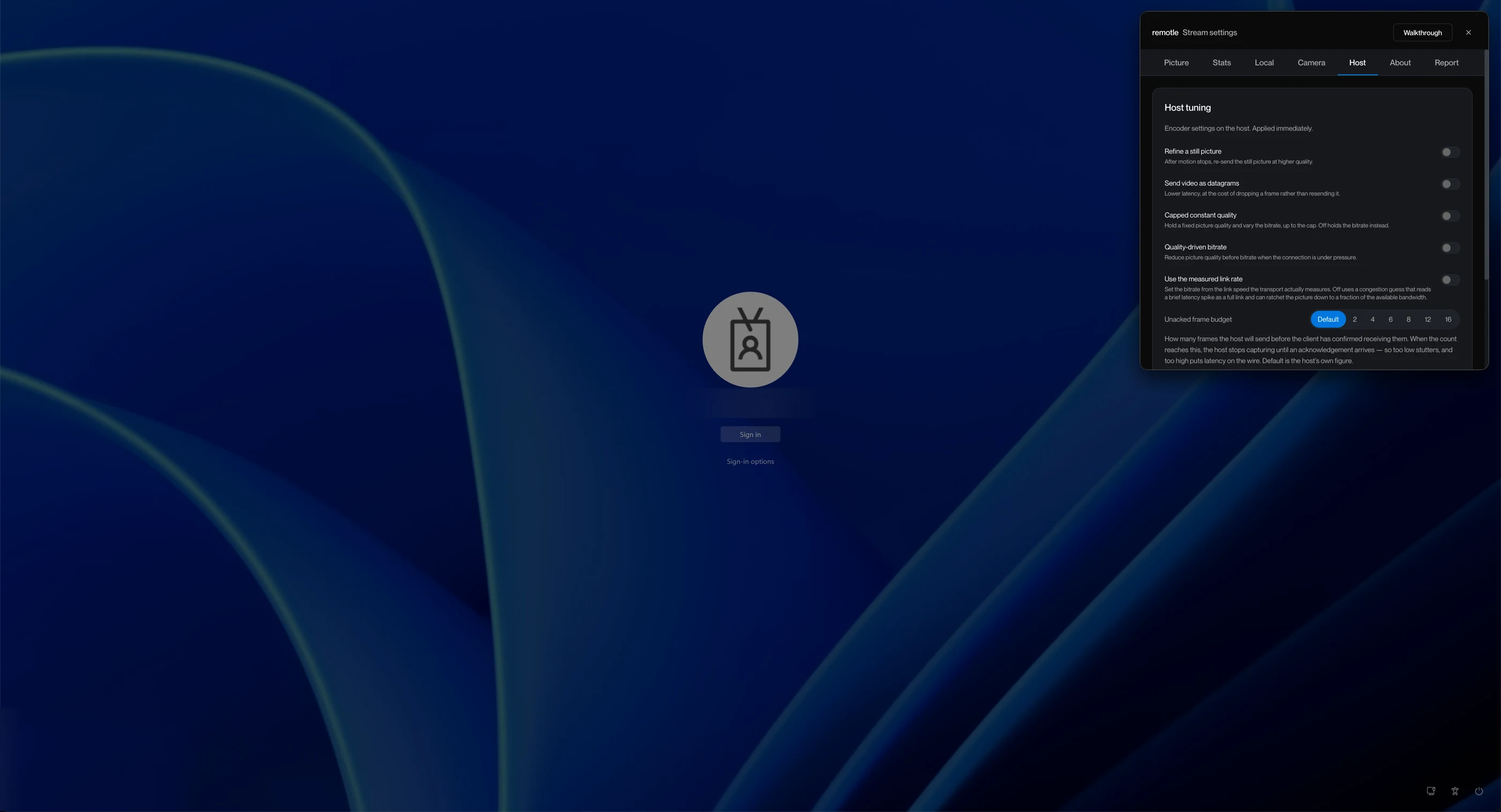
Your workstation,
on any screen.

Low-latency remote desktop1 to the workstations you already own, on every monitor and in full colour. No broker, no VPN and nothing open on your firewall.
Up and running
in three steps

Step one

Install Remotle on the workstation

It connects out to the service, so nothing opens on your firewall.
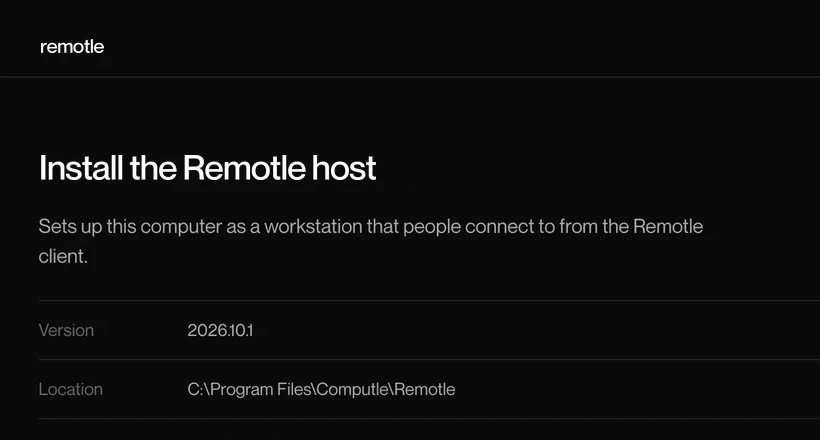
The Remotle host setup on Windows
Step two

Sign in with Microsoft or email

On your laptop, iPad or terminal. Your workstations appear by name.
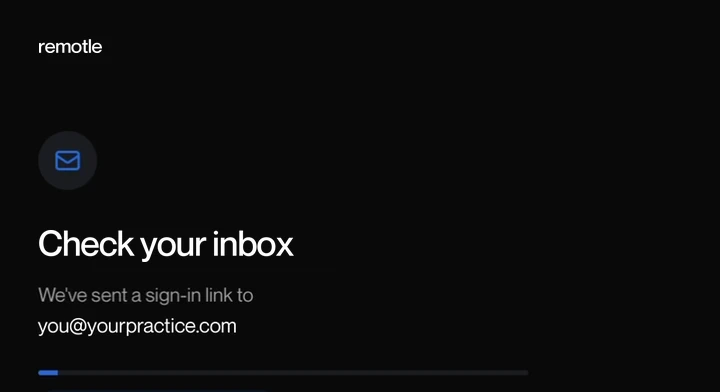
The Remotle app waiting for the sign-in link
Step three

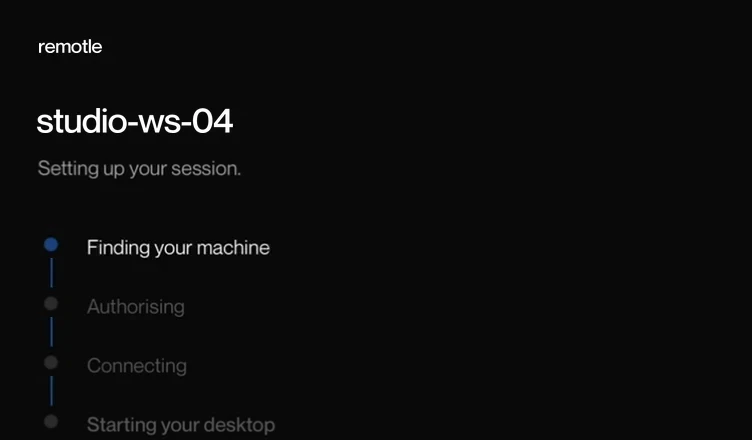
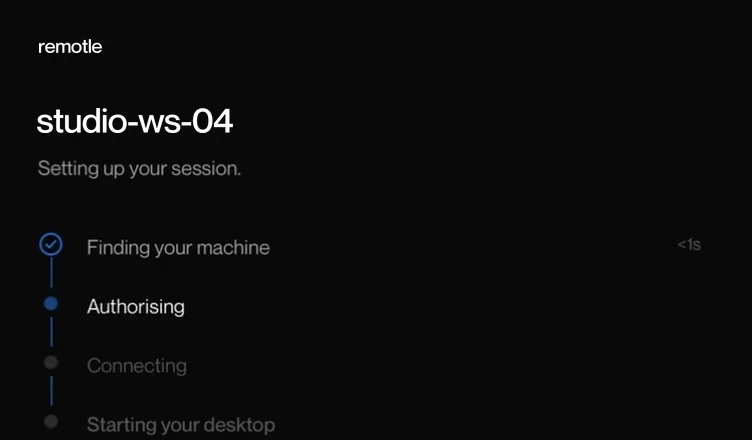
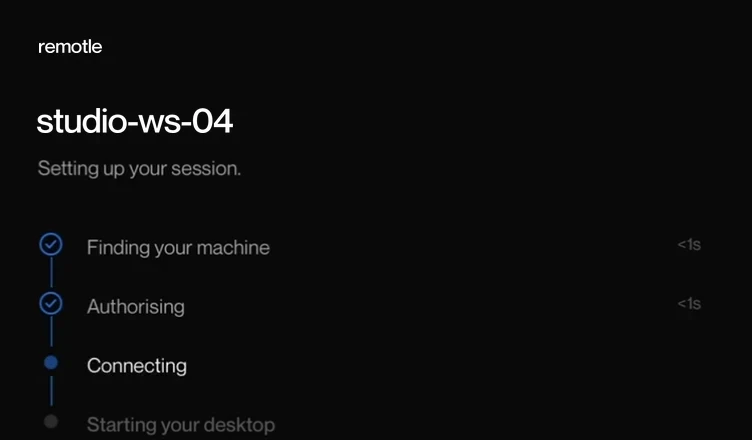
Connect to your own desktop

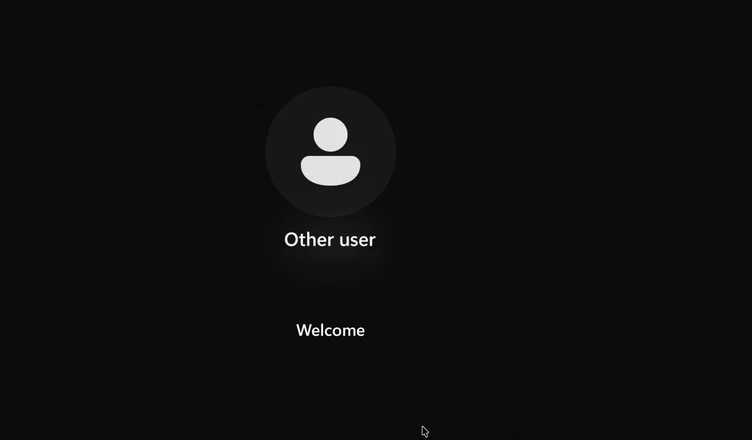
Windows signs you in as you, on every monitor and in full colour.
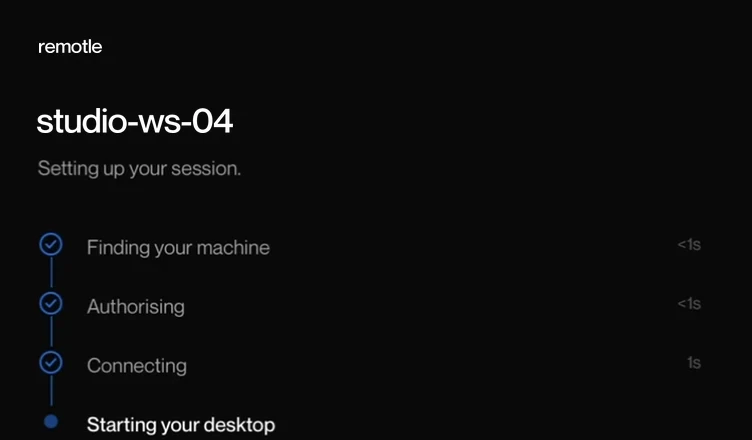
The Remotle app connecting to studio-ws-04Windows signing in on its own after Remotle connects

Apps for Windows, Mac, iPad and Linux.

Download free

Try it on your own workstations

Free to try on your own workstation.

1 Performance depends on the workstation, the client device and its displays, and the network connection.

Microsoft, Windows, Microsoft Teams, Microsoft Entra ID, Microsoft Intune, Zoom, Apple, Mac, macOS, iPad, Apple Pencil, Linux, NVIDIA, Wacom, 3Dconnexion, SpaceMouse, YubiKey, Leostream, Mechdyne TGX, HP Anyware, Teradici, Amazon DCV, Parsec, Dell Wyse ThinOS, IGEL OS and Stratodesk are trademarks or registered trademarks of their respective owners. Remotle is not affiliated with, sponsored by or endorsed by them.