
Calls

The remote access app
Connect to your office workstations from a laptop, iPad or thin client, with all your monitors and full colour.
Broker and remote
access built in
Install Remotle, sign in and choose a workstation, from the office or from home. Teams often add a connection broker, such as Leostream, to assign workstations to people and to avoid setting up VPNs. Remotle does both itself.
No broker
No separate broker to deploy or license. People sign in and pick their workstation
No VPN
Workstations connect outbound only, so there is no VPN client to hand out
No gateway
Remote access from home or site is built in, with automatic relay fallback
No IPs
Nobody types an address. Workstations appear in the app by name
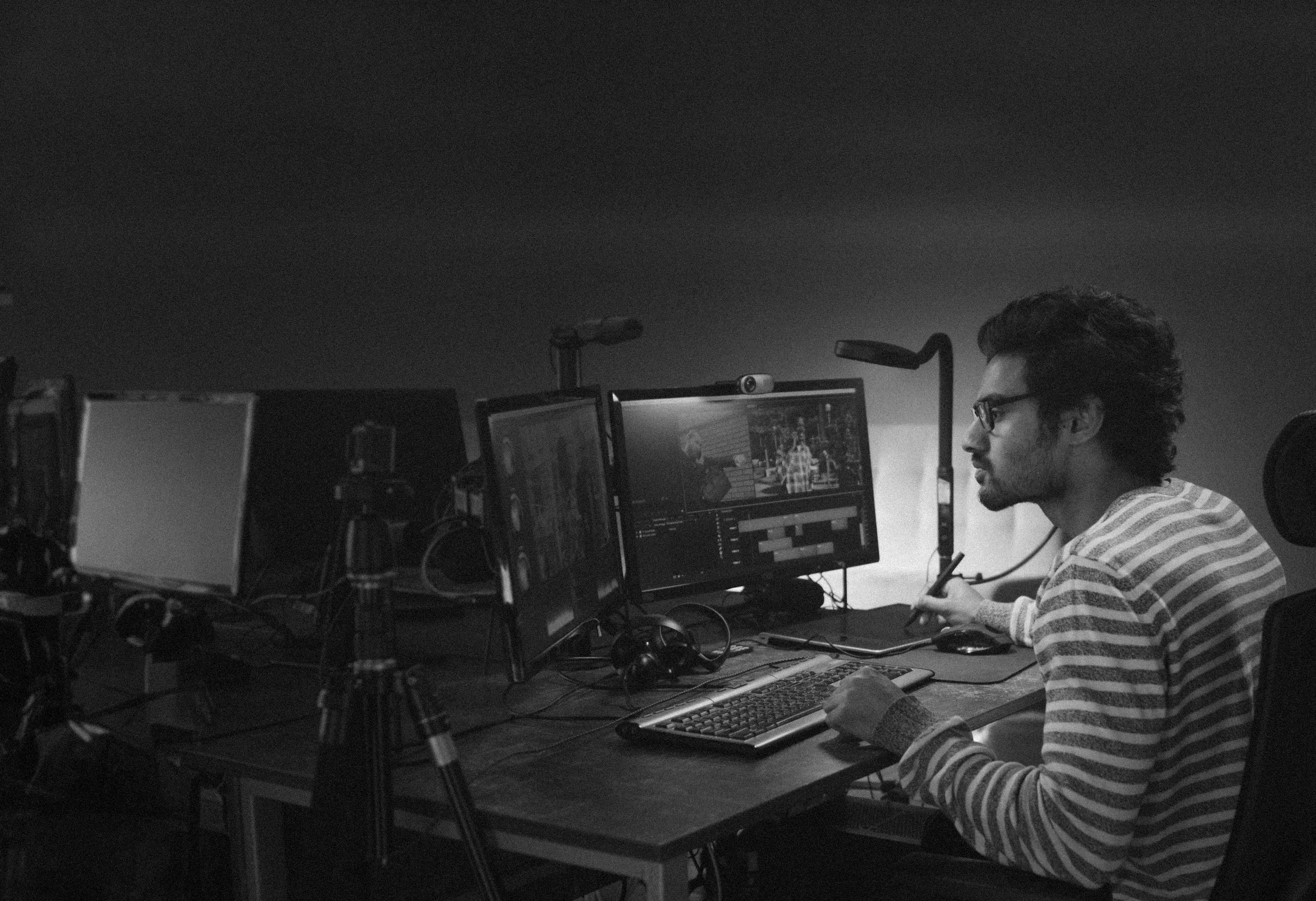
Up to 8K at 60 fps,
on up to four monitors1
Remotle supports monitors up to 8K, and up to four of them, matched to the layout on your desk. Mixed resolutions and portrait screens work too.
8K
Per monitor, where the client and monitor support it
4
Monitors, in the same layout as on the desk
Mixed
Different resolutions and portrait screens together
Hot-plug
Plug in a monitor mid-session and it is added
Everything you
use at the desk

Pressure
Pen pressure, tilt and eraser
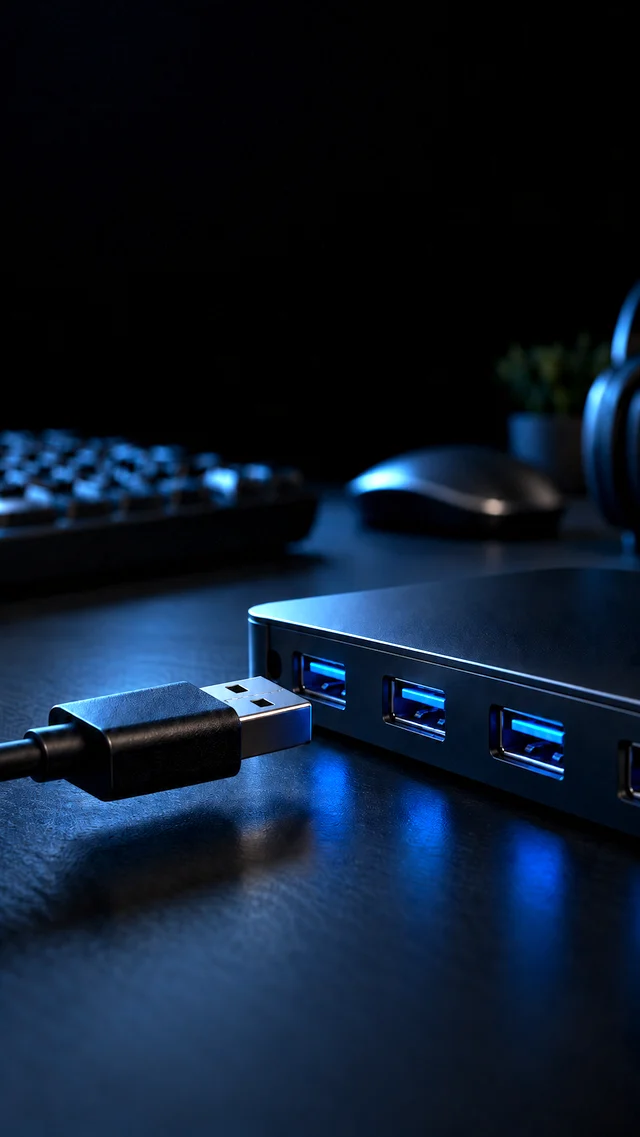
USB
USB devices connect to the workstation

Reconnect
Automatic reconnect
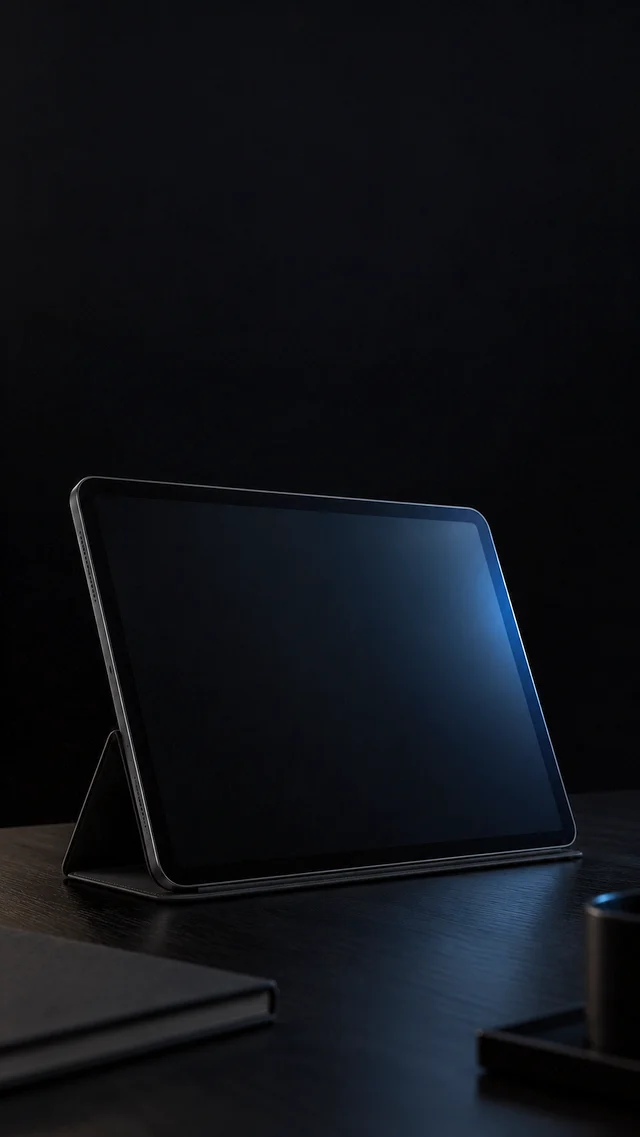
Any device
Move your session between devices

Clipboard
Copy and paste in both directions


Vivid colour at
any resolution2
Remotle sends full 4:4:4 colour, so thin coloured lines and small text stay sharp. HDR10 works on monitors that support it.
4:4:4 colour
Thin coloured linework and small text stay sharp
HDR10
Ten-bit colour on monitors that support it
8K support
Per display, where the client and monitor support it
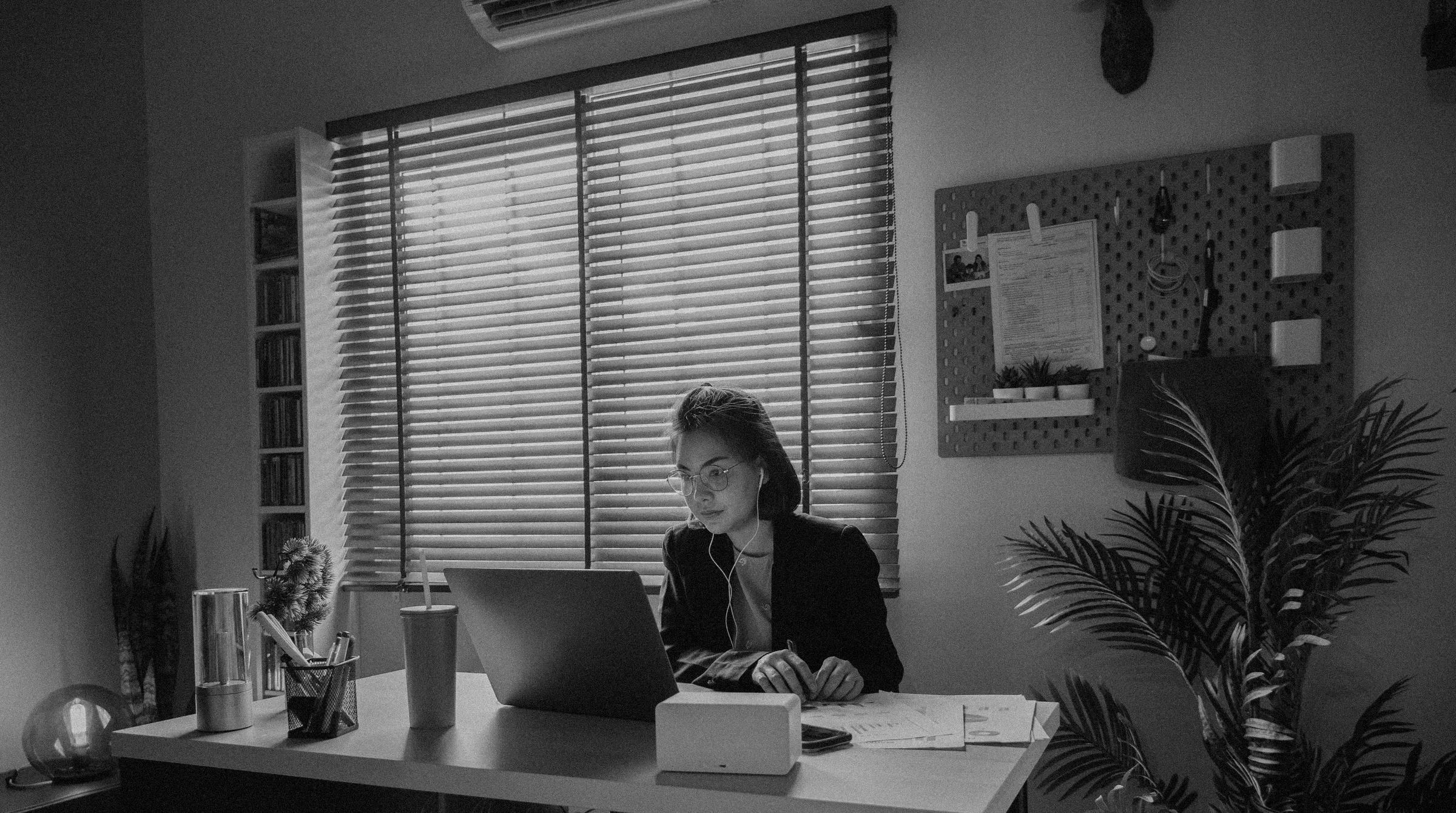
Direct when it can,
relay when it cannot3
Remotle connects directly to the workstation when the network allows it, and through a relay when it does not. There is nothing to configure, and hotel Wi-Fi and phone hotspots are fine.
Direct
Straight to the workstation whenever it can
Relay
Through a relay when it cannot, with nothing to set up
Hotspot
Works on hotel Wi-Fi and phone hotspots
Adaptive
Picture quality adjusts to the connection
Relays close to
your people
When a direct connection is not possible, Remotle routes the session through the nearest of its relays in London, New York and Canada, so the detour stays short and the picture stays responsive.
LondonUnited Kingdom
New YorkUnited States
CanadaNorth America
Security that stays
inside your walls.
Pixels
Project files never leave the workstation
0 ports
No inbound firewall ports

Verified
Each workstation has its own certificate

TLS 1.3
Encrypted from laptop to workstation

MFA
Sign in with Microsoft, Apple or email
Ask first
You approve anyone joining your session
YubiKey
YubiKey and other security keys
Two passwords.Two sign-ins.One sign-in.4
Sign in to Remotle with your Microsoft Entra ID account and the workstation signs you in to Windows as you. There is no second password to type at the Windows login screen.
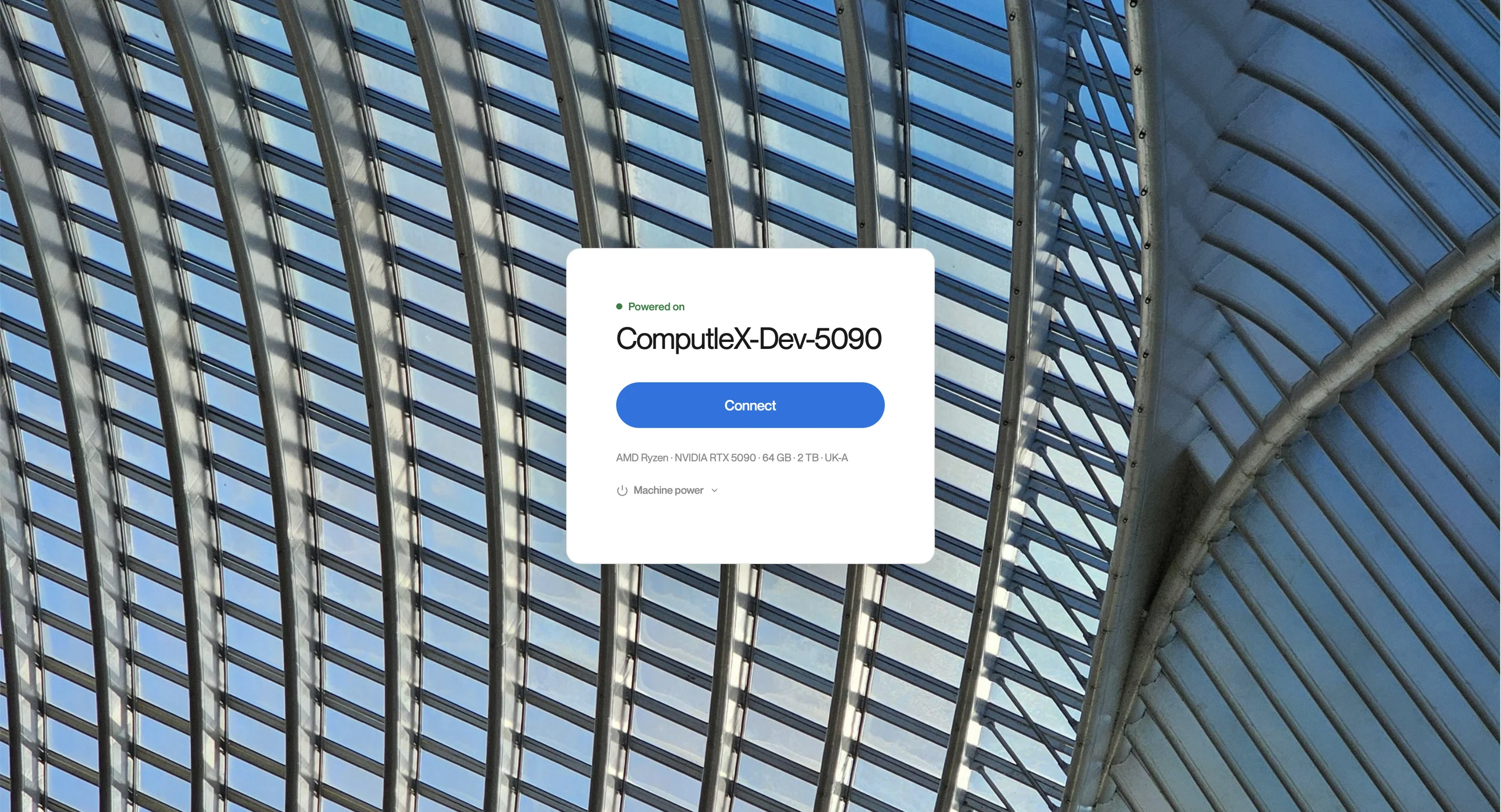
Your sign-in screen,
with your branding
Set it once in the portal and the Remotle app shows it to everyone when they sign in.
- Your name
- Your organisation’s name and a line of text under it.
- Your photos
- Up to 16 photos, shown in turn behind the sign-in.
- Everywhere
- On the app on laptops and on every kiosk terminal.

Windows, Mac, iPad
and zero clients
Connect from a Windows or Mac laptop, an iPad or a thin client. Kiosk mode turns a spare PC or Mac into a dedicated Remotle terminal, or use the Remotle device.
Windows
And macOS on Apple silicon and Intel
iPad
Trackpad, keyboard and Apple Pencil
Kiosk
Any PC or Mac becomes a locked-down terminal
Device
A thin client that does nothing but Remotle
Coming from TGX,
Anyware or DCV?
Remotle is an alternative to Mechdyne TGX, HP Anyware (Teradici) and Amazon DCV, with the connection broker and remote access built in.
Need to run the workstations too?
Remotle is part of Desktle, the tools to manage your own desktops: image deployment, machines from templates, patching, application deployment and Entra ID sign-in to the Windows desktop, for every workstation running Remotle.